- On sale!
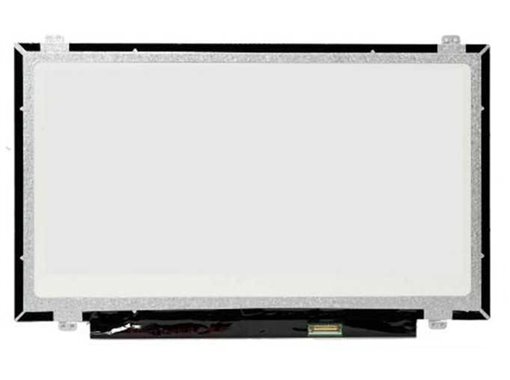


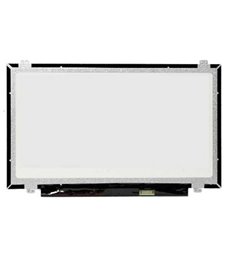
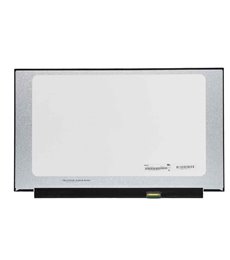
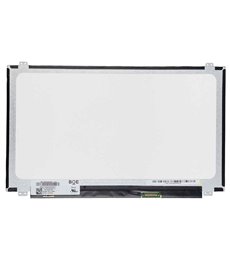
New replacement panel with glossy finish and 3-year warranty.
Native resolution of 1366x768 pixels for clear and defined viewing.
Standard 30-pin eDP video interface, ensuring wide compatibility.
LED backlight for lower energy consumption and uniform brightness.
Premium quality screen, new and individually tested for optimal performance.
For the installation of this screen, it is recommended to follow a proper technical procedure: 1. Completely disconnect the laptop from any power source and remove the battery. 2. Discharge static electricity from your body. 3. Carefully remove the screen frame or bezel. 4. Disconnect the video cable (eDP connector) from the damaged screen. 5. Connect the new screen, fix it in position, and reassemble the frame. It is recommended to test the screen before completely closing the device. Below, you can view our video guide with general information on changing laptop screens:
Enjoy 3 Years of direct warranty. Product verified by JVS Informática experts. Secure shipping and post-sales technical support included.
Data sheet
It meets 100% of my expectations.