Hubs and Adapters
Hubs USB-C y Adaptadores: convierte un puerto en muchos
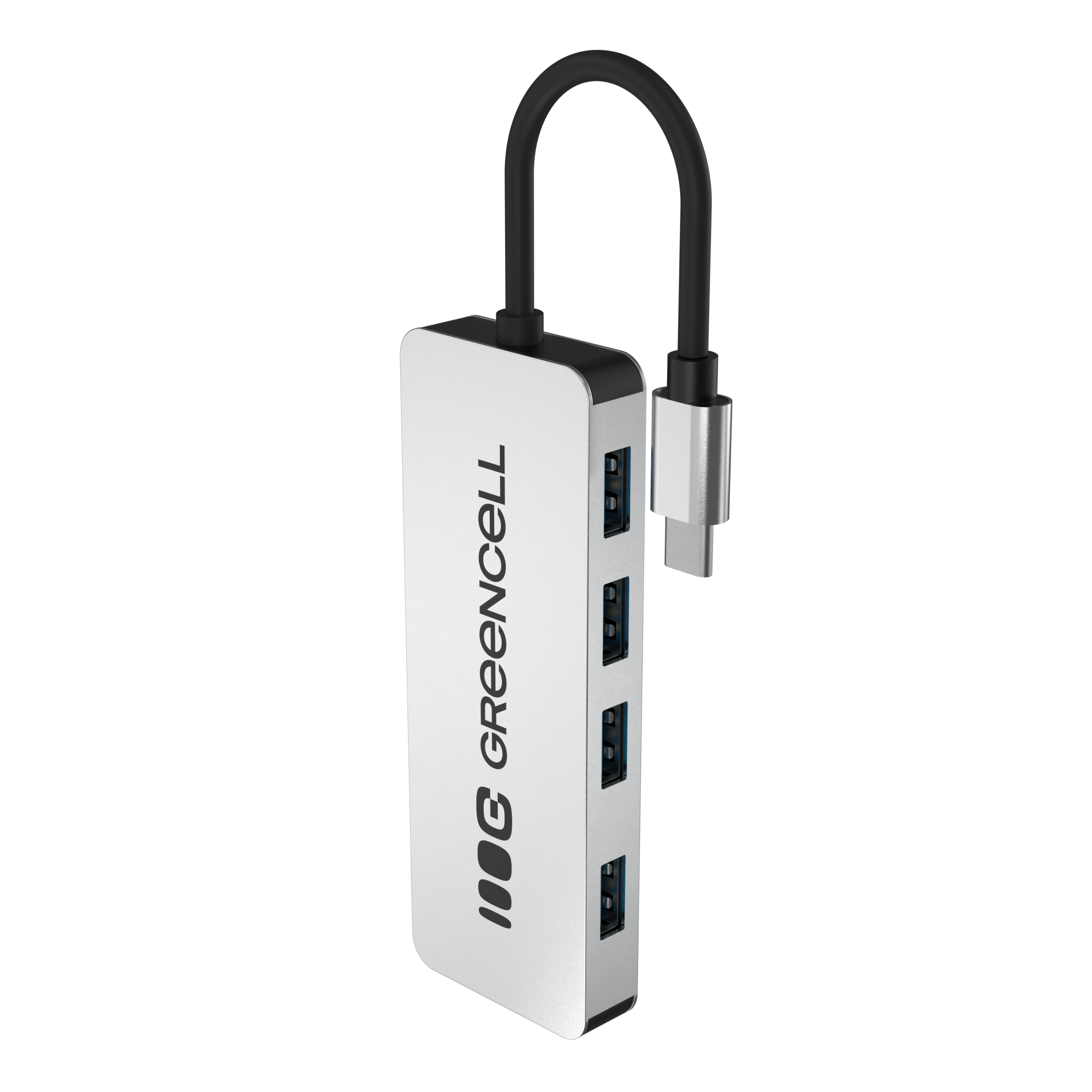
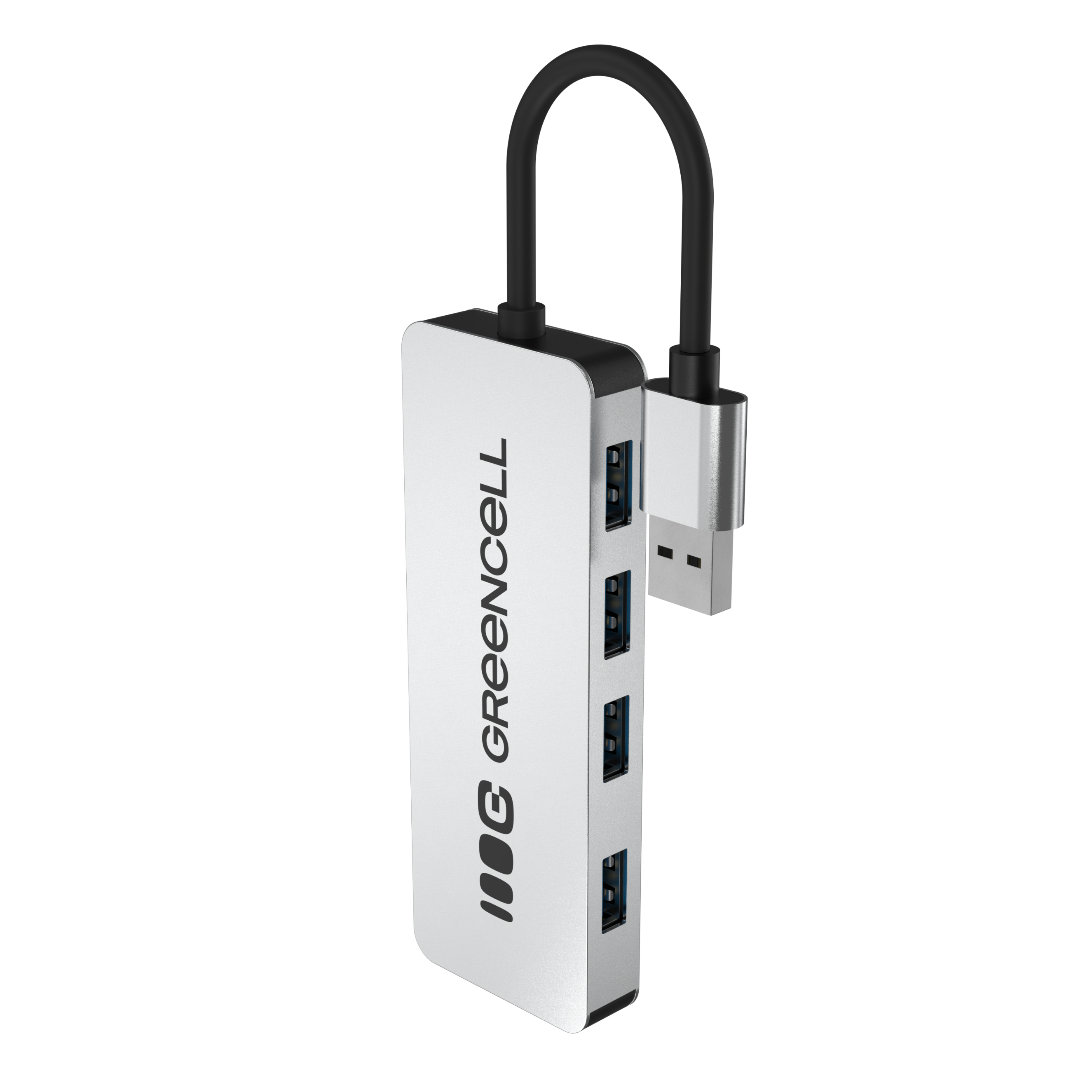
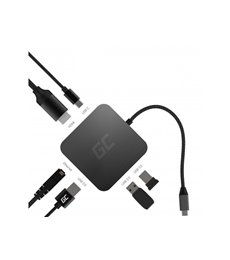
Los hubs USB-C y adaptadores multipuerto resuelven la limitación de los portátiles modernos: pocos puertos físicos y muy específicos. Con uno solo de estos accesorios pasas de tener un USB-C a tener HDMI 4K, varios USB-A 3.0, Ethernet, lector de tarjetas y carga rápida pasante, todo a la vez.
¿Qué puertos puedes añadir?
- HDMI 4K @ 60Hz — para conectar un monitor externo o TV con calidad cine.
- USB-A 3.0 — para dispositivos clásicos: pendrives, ratón, teclado, disco duro externo.
- USB-C Power Delivery — recarga el portátil mientras lo usas con el hub (passthrough).
- Ethernet RJ45 — conexión por cable cuando el WiFi falla.
- Lector microSD/SD — para tarjetas de cámara, drones, Switch.
¿Qué hub elegir según tu portátil?
- MacBook Air / Pro M1-M4: hub USB-C con HDMI 4K y al menos 60W PD passthrough.
- Dell XPS, ThinkPad X1, HP Spectre: hub 7 en 1 con HDMI + Ethernet + 85-100W PD.
- iPad Pro / Air USB-C: hub compacto con HDMI, USB-A, lector SD.
- Nintendo Switch: hub que soporte HDMI 4K para usar la consola en TV sin el dock oficial.
Power Delivery passthrough: ¿qué significa?
Cuando conectas tu cargador USB-C al hub (no al portátil), el hub pasa la corriente al portátil mientras tú usas el resto de puertos. Te ahorras el segundo puerto USB-C ocupado por el cargador. Asegúrate de que el hub soporte al menos 60W PD para ultrabooks y 85-100W para portátiles potentes.
HDMI 4K — atención a la frecuencia
Algunos hubs económicos solo dan 4K a 30Hz, que es suficiente para ver vídeo pero no para trabajar (el ratón parece arrastrarse). Para uso profesional busca 4K @ 60Hz — es lo que recomendamos.
Garantía y envío
Todos nuestros hubs cumplen CE y RoHS, vienen con garantía de 3 años y se envían desde España en 24-48h.