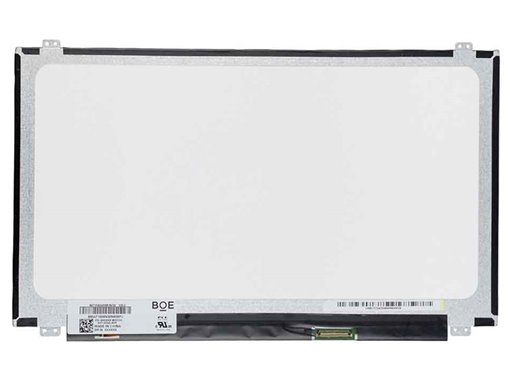


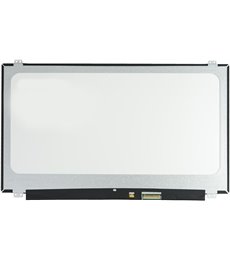
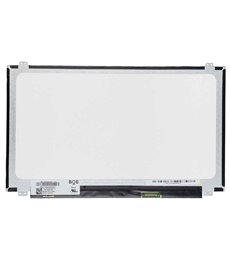
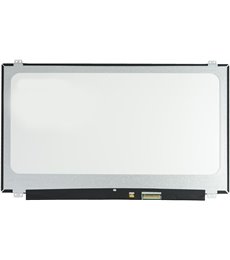
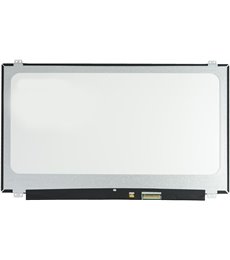
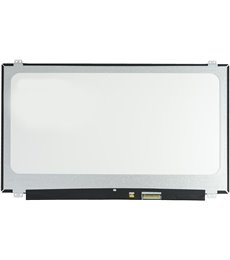
New replacement panel with glossy finish and 3-year warranty.
Native resolution of 1366x768 pixels for clear and defined viewing in work and multimedia.
LED illumination ensures lower energy consumption, greater durability, and more vibrant colors.
40-pin connection interface with a width of 2.5 cm, standard in a wide range of laptops.
Surface with a glossy finish that enhances contrast and color saturation, ideal for controlled environments.
Installation Guide: To replace the screen, disconnect the laptop's battery and charger. Carefully remove the screen bezel and the screws holding it to the chassis. Carefully disconnect the 40-pin video cable and remove the damaged screen. Place the new screen, connect the video cable, and secure it with the screws. Reattach the bezel. It is recommended that installation be performed by a qualified technician to avoid damage. Additional Information: For a visual guide on how to identify your screen, watch our video: https://www.youtube.com/watch?v=ugDNn5CLHLw
Enjoy 3 años of direct warranty. Product verified by JVS Informática experts. Secure shipping and post-sales technical support included.
Data sheet
As described, I was able to fix the laptop.
The screen works perfectly.
I recommend them 100%
All good
GOOD QUALITY
Everything perfect
Perfect, nothing negative to highlight.
good value for money
Very good, no problems
Detailed and in perfect condition.
Perfect, just put it in and start using it, it looks better than the old one, make sure to connect it properly and test before putting all the screws in.
All correct
I unmounted my screen and mounted the new one and turned it on and everything perfect! 100% recommendable.
Meets needs
It's already changed and working perfectly, thank you very much for everything! I've taken photos of the whole process and I'll share it on Facebook!
Very good, according to my expectations, I recommend them!
In perfect condition and immediate shipping.
Very good experience.
Perfect packaging and product

![Pantalla B156HTN06.2 HW0A Mate 15.6 pulgadas [Nueva]](https://www.jvs-informatica.com/1815891-home_default/screen-b156htn062-hw0a-mate-156-pulgadas-nueva-.jpg "B156HTN06.2 HW0A 15.6\" FHD IPS Matte Screen - 30 Pin Connector")
![Screen B156HTN06.1 HW0A Matte 15.6 inches [New]](https://www.jvs-informatica.com/1828246-home_default/screen-b156htn061-hw0a-mate-156-pulgadas-nueva-.jpg "Screen B156HTN06.1 HW0A Matte 15.6 inches [New]")
![Screen LP156WH4(TL)(N2) Brightness HD 15.6 inches [New]](https://www.jvs-informatica.com/1830314-home_default/lp156wh4tln2.jpg "Screen LP156WH4(TL)(N2) Brightness HD 15.6 inches [New]")
![LTN156AT32-T01 Screen Brightness HD 15.6 inches [New]](https://www.jvs-informatica.com/1830633-home_default/ltn156at32-t01.jpg "LTN156AT32-T01 15.6\" HD Glossy Screen - 40 Pin Connector")