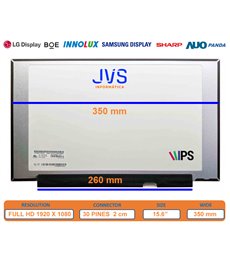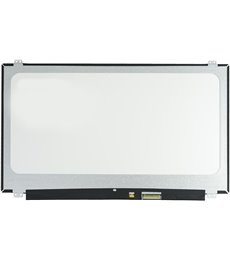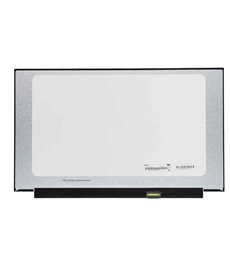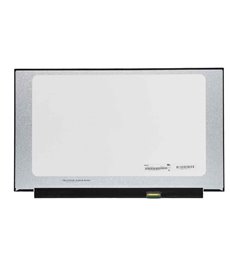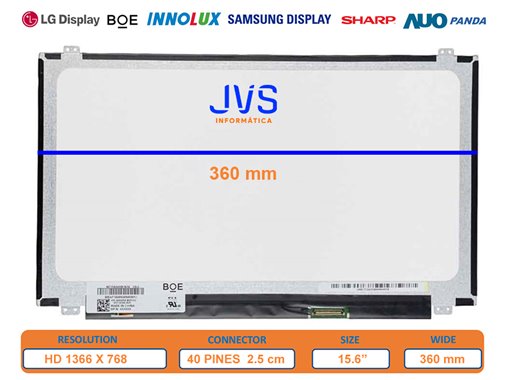


New replacement panel with anti-glare matte finish and 3 years warranty.
WXGA (1366x768) resolution offering sharp images and vivid colors for quality work and leisure.
Surface that reduces ambient light reflections, ideal for working in different lighting conditions.
40-pin, 2.5 cm connector, ensuring wide compatibility and easy installation.
Completely new product with a full 3-year warranty from the invoice date.
Quick Installation Guide: Before handling the component, ensure the laptop is turned off and the battery is disconnected to prevent damage. Carefully remove the plastic frame (bezel) surrounding the old screen. Unscrew the screen from the chassis and carefully place it on the keyboard. Disconnect the 40-pin video cable and remove the damaged panel. Connect the new LTN156AT35-H01 panel, secure it with its screws, replace the frame, and connect the battery to test its operation. Additional Information: At the end of this product sheet, you will find a video tutorial with general tips for replacing laptop screens: https://www.youtube.com/watch?v=ugDNn5CLHLw
Enjoy 3 Years of direct warranty. Product verified by JVS Informática experts. Secure shipping and post-sales technical support included.
Data sheet
No reviews yet for this product. After your purchase you will receive an email to leave yours.